Common Agent Payment Processing Errors: 2026 Guide

Common agent payment processing errors occur when transactions fail due to configuration mistakes, authorization declines, duplicate submissions, or manual data entry problems that disrupt agent compensation and brokerage compliance. These failures are not just technical inconveniences. They erode agent trust, trigger RESPA compliance reviews, and create reconciliation backlogs that cost brokerages real money and time. Platforms like Brokerpay, Stripe, and Bank of America merchant systems each surface distinct error categories that brokers must recognize and resolve quickly to keep commission payouts accurate and on schedule.
1. Common agent payment processing errors: the four root categories
Payment failures fall into four categories: configuration errors, technical or network issues, issuer declines, and settlement errors. This taxonomy matters because the corrective action for each category is completely different. A broker who treats a configuration error like an issuer decline will waste hours troubleshooting the wrong system. The first step in any payment processing troubleshooting workflow is to categorize the error before acting on it. Declined messaging often masks upstream causes like credential drift or sandbox-to-production mismatches, so reading the error message at face value is a trap.
2. Invalid merchant IDs and credential misconfigurations
Merchant account misconfigurations are the most preventable class of agent payment issues. An invalid merchant ID, an expired API key, or a payment environment set to sandbox instead of production will reject every transaction silently or with a generic error code. Brokerages that switch payment processors or upgrade their commission management software frequently encounter this problem because credentials are not always migrated correctly. Regular audits of your payment environment, at minimum quarterly, catch these errors before they affect a payout cycle.
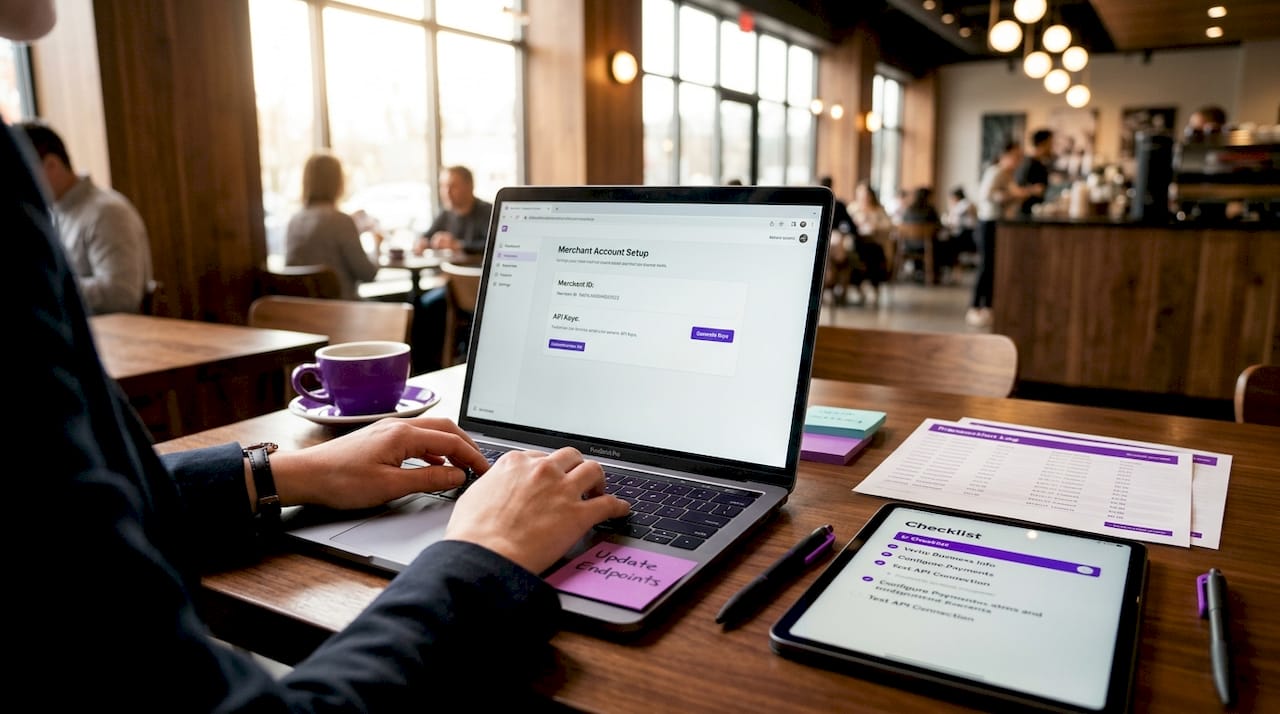
Pro Tip: Create a credential verification checklist that includes API key expiration dates, merchant ID validation, and environment flags. Review it every time you onboard a new agent or change payment software.
Incorrect fraud rule settings are another configuration trap. Overly aggressive velocity limits or IP-based restrictions can block legitimate commission transfers, especially when a broker processes a high volume of closings in a short period. Work with your payment gateway to calibrate fraud thresholds against your actual transaction patterns.
3. Authorization declines from card security checks
Issuer declines frequently arise from failed AVS or CVN checks, where the address or card verification number submitted does not match what the issuing bank has on file. Bank of America reason codes include Reason Code 200 for failed AVS and Reason Code 209 or 230 for CVN mismatches. These codes are specific and actionable. Using reason codes to pinpoint issuer intent dramatically improves how quickly your team resolves the problem.
The most common authorization failures brokers encounter include:
- Expired card on file. The agent or vendor’s card has passed its expiration date. The fix is a simple card update request.
- Lost or stolen card. The issuing bank has flagged the card. Contact the cardholder immediately and request a replacement payment method.
- “Do Not Honor” generic decline. The issuer has declined without a specific reason. This often indicates a risk flag on the account and requires the cardholder to contact their bank.
- Insufficient funds. The account lacks the balance to cover the transaction. Retry after confirming funds are available.
- Data mapping mismatch. Incorrect billing address data passed from your broker management system to the payment gateway triggers AVS failure. Audit the data fields your system sends.
Pro Tip: Log every decline code in a shared spreadsheet or your commission platform. Patterns in decline codes reveal systemic data problems faster than reviewing individual transactions.
4. ACH rejection codes that affect commission payouts
ACH payment errors are the most consequential agent transaction errors in real estate because most commission payouts move via ACH. ACH rejections fall into five categories: administrative, authorization, financial, timing, and regulatory. Each category demands a different response, and conflating them leads to incorrect retries that compound the original problem.
The most frequent codes brokers encounter are:
- R01 (Insufficient Funds): The agent’s account lacks the balance. Wait and retry, or confirm with the agent that funds are available.
- R02 (Account Closed): The account no longer exists. Request updated banking information from the agent immediately.
- R07 (Authorization Revoked): The account holder has revoked the debit authorization. A new authorization agreement is required before any retry.
- R10 (Not Authorized): The originator did not obtain proper authorization. Review your ACH authorization documentation and correct the process.
ACH return codes guide specific corrective actions, distinguishing between authorization failures that require new agreements and financial insufficiencies that allow retries. Treating an R07 like an R01 and simply retrying the transaction violates NACHA rules and creates regulatory exposure for your brokerage.
Incorrect account or routing numbers are the most frequent source of R-code returns in real estate. Agents change banks, close accounts after a transaction is submitted, or provide routing numbers for savings accounts when checking is required. A verification step at onboarding, using micro-deposit confirmation or a service like Plaid, eliminates most of these errors before they reach the ACH network.
| ACH Code | Reason | Corrective Action |
|---|---|---|
| R01 | Insufficient funds | Retry after confirming account balance |
| R02 | Account closed | Collect new banking details from agent |
| R07 | Authorization revoked | Obtain new written authorization |
| R10 | Not authorized | Review and correct authorization documentation |
| R05 | Unauthorized debit | Stop retries; investigate authorization records |
5. Duplicate payments in agent compensation workflows
Duplicate payments add reconciliation complexity and cash flow strain that can take weeks to unwind in a busy brokerage. The most common causes are duplicate invoice submissions from agents, inconsistent invoice numbering, parallel approval workflows where two managers approve the same transaction, and retry logic that fires twice when a network timeout occurs.
Idempotency controls keyed to unique transaction IDs prevent duplicate payment transfers even when a user clicks “submit” twice or a system retry triggers automatically. This is the single most effective technical control available. Without idempotency, every network hiccup becomes a potential double payment.
Payment system timeouts and retries without synchronization cause duplicate authorization charges. Cross-checking processor batch logs against your originating system’s transaction logs before resolving any suspected duplicate is the correct troubleshooting sequence.
| Prevention Method | Without It | With It |
|---|---|---|
| Unique transaction IDs | Retries create duplicate charges | Each transaction is processed exactly once |
| Centralized invoice intake | Multiple submissions go undetected | Duplicate invoices are flagged before processing |
| Standardized vendor data | Same agent appears as two payees | One canonical record per agent prevents splits |
| Processor log reconciliation | Timeouts misread as failures and retried | True failures distinguished from network delays |
Pro Tip: Assign every commission disbursement a unique reference number tied to the closing file. If the same reference number appears twice in your payment queue, block the second transaction automatically.
Visa chargeback reason codes 12.6.1 (duplicate processing) and 12.2 (incorrect transaction code) appear directly in broker payment disputes when duplicates go undetected. A chargeback costs more to resolve than the original payment, so prevention is always cheaper than recovery.
6. Manual data entry as a source of commission errors
The true failure mode in agent payouts is often the manual document-to-commission data mapping step, not the payment rail itself. Brokers who transcribe commission data from PDFs or spreadsheets introduce errors at every step: transposed digits, wrong decimal placement, outdated split hierarchies, and missing co-op fees. These errors reach the payment processor as clean transactions, so no error code fires. The agent simply receives the wrong amount.
Common manual entry mistakes that affect real estate commission payouts include:
- Entering a 3% split as 0.3% due to a decimal error, underpaying an agent by a factor of ten
- Failing to update a team lead’s split percentage after a hierarchy change, causing overpayment to the wrong party
- Omitting referral fees from the disbursement calculation entirely
- Copying the wrong closing date, which misaligns the payout with the correct accounting period
Automation of statement imports and real-time reconciliation reduces these errors and the dispute calls that follow. When agents can view their commission breakdown in a self-service portal, they catch discrepancies before a formal dispute is filed. This single capability reduces the administrative burden on broker staff more than any other process change.
The reputational cost of manual errors compounds over time. An agent who receives three incorrect commission payments in a year begins looking for a brokerage with better systems. Retention is a payment accuracy problem as much as it is a culture problem.
Key takeaways
Accurate agent commission payouts require controlling errors at four distinct points: system configuration, authorization data quality, ACH account verification, and duplicate transaction prevention.
| Point | Details |
|---|---|
| Categorize errors first | Identify whether the failure is configuration, issuer, ACH, or duplicate before taking corrective action. |
| Use reason codes | Bank of America and NACHA return codes pinpoint the exact cause and the correct fix for each failure. |
| Implement idempotency | Unique transaction IDs prevent duplicate payments even when retries or network timeouts occur. |
| Automate data entry | Replacing manual PDF transcription with automated imports eliminates the most common source of commission errors. |
| Verify ACH data at onboarding | Micro-deposit confirmation or account verification services stop R-code returns before they reach the network. |
Why most brokers are solving the wrong problem
I have reviewed payment workflows at brokerages of every size, and the pattern is consistent. Brokers invest in faster payment rails and better processors while leaving the data entry step completely manual. The processor is not the problem. The problem is a transaction coordinator copying numbers from a PDF into a spreadsheet at 4:45 on a Friday afternoon.
The second mistake I see constantly is treating all error codes as equivalent. A broker who retries an R07 return is not just wasting time. They are violating NACHA authorization rules and creating regulatory liability. The code tells you exactly what to do. Reading it carefully is free.
The third issue is visibility. Most brokerages have no centralized log of declined transactions, return codes, or duplicate flags. When an agent calls about a missing payment, the broker has to reconstruct the transaction history manually. That process takes hours and damages the relationship regardless of the outcome. A platform that surfaces error logs in real time changes that conversation entirely. The broker can answer the agent’s question in 30 seconds instead of calling the processor and waiting on hold.
The brokerages that handle payment errors well share one trait: they treat payment accuracy as a compliance function, not an accounting afterthought. That mindset shift changes which tools they buy, which processes they build, and how they train their staff.
— Wes
How Brokerpay eliminates payment errors for real estate brokerages
Real estate brokerages that process agent splits, referral fees, and co-op commissions manually are one spreadsheet error away from a RESPA compliance problem or a chargeback dispute.
Brokerpay is built specifically for this workflow. It tracks, documents, and processes every commission disbursement with a full audit trail, eliminating the Venmo and Zelle workarounds that create federal liability. The platform assigns unique transaction identifiers to every payout, flags duplicate submissions before they reach the payment network, and gives agents a self-service view of their commission breakdown. Brokers who want to stop managing agent payments manually can see exactly how Brokerpay handles splits, referral fees, and reconciliation in one place.
FAQ
What are the most common agent payment processing errors?
The most frequent errors are ACH returns from incorrect account data, authorization declines from AVS or CVN mismatches, duplicate payments from retry logic failures, and commission calculation errors from manual data entry. Each category requires a different corrective action.
How do I fix an ACH return code R02 or R07?
R02 means the account is closed. Collect updated banking details from the agent before retrying. R07 means the account holder revoked authorization, so you must obtain a new written authorization agreement before initiating any new ACH transaction.
What causes duplicate commission payments?
Duplicate payments result from double invoice submissions, parallel approval workflows, or payment retries triggered by network timeouts without idempotency controls. Assigning a unique transaction ID to every disbursement and centralizing invoice intake prevents most duplicates.
How do authorization declines differ from ACH rejections?
Authorization declines occur at the card or account level before funds move, typically due to AVS failures, expired cards, or issuer risk flags. ACH rejections occur after the transaction is submitted to the banking network and reflect account-level problems like closed accounts or revoked authorizations.
Why does manual data entry cause so many commission errors?
Manual transcription from PDFs or spreadsheets introduces decimal errors, outdated split percentages, and missing fees that pass through the payment processor without triggering any error code. The realtor commission structure involves multiple parties and percentages, making it especially vulnerable to transcription mistakes. Automated import tools eliminate this risk at the source.